

Pick a winner (Raffle)
Randomly draw a winner from your collected leads for giveaways, prize draws, or competitions. You can pick a winner manually at any time or schedule an automatic draw for a specific date.
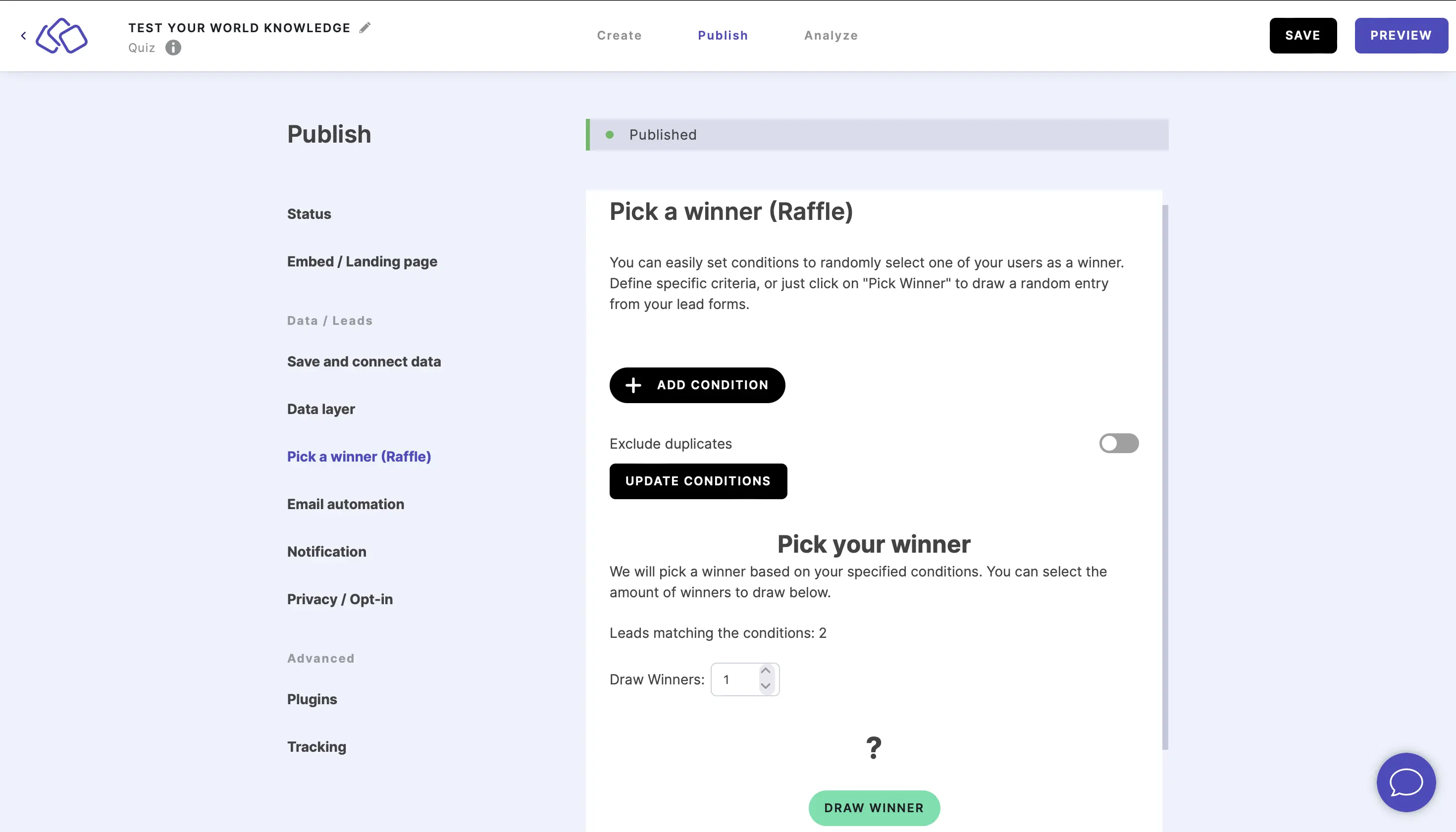
- Go to Publish and click on Pick a winner (Raffle).
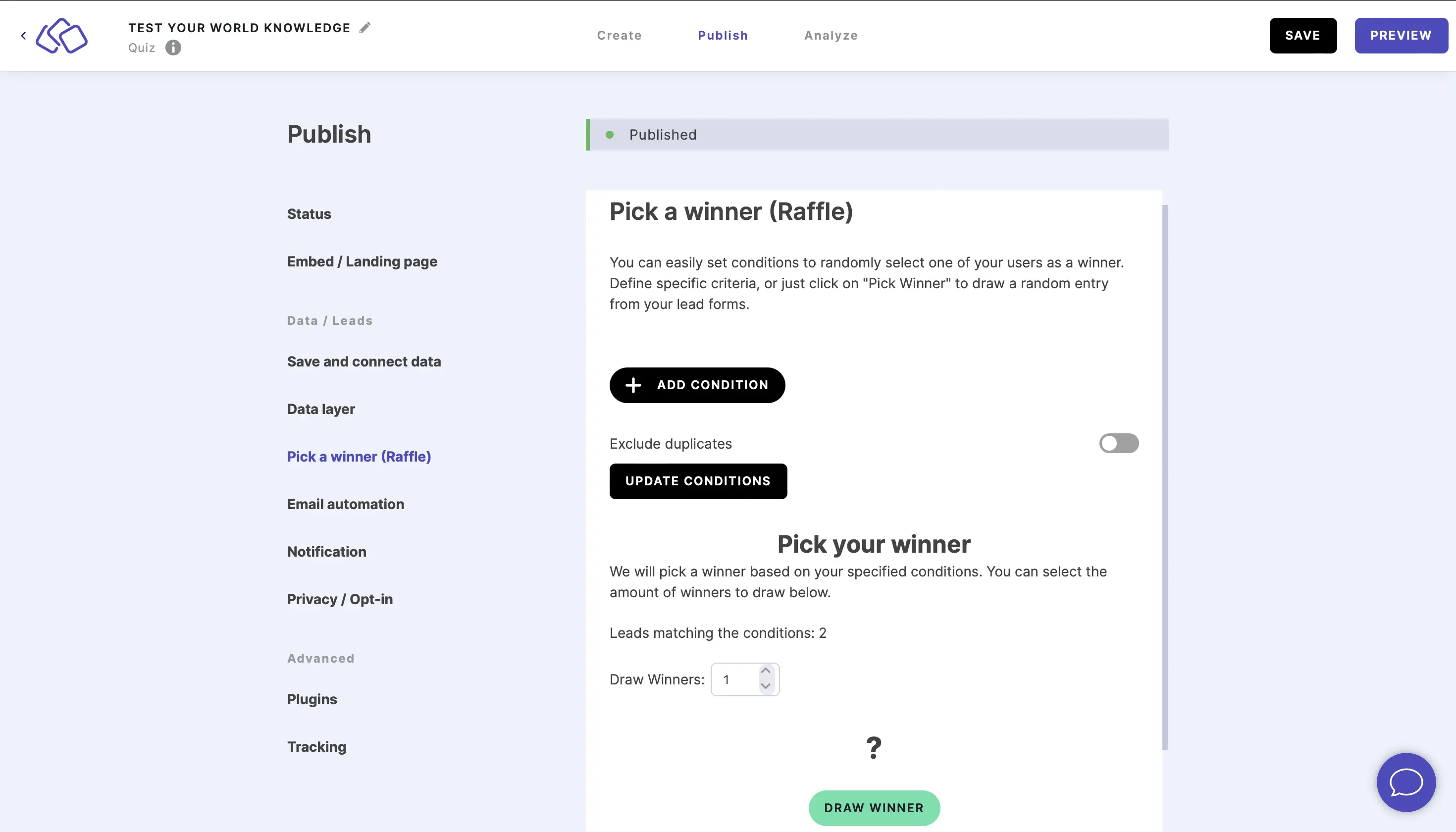
- Enable Exclude duplicates to make sure any email addresses that appear in your leads are only counted once (optional).
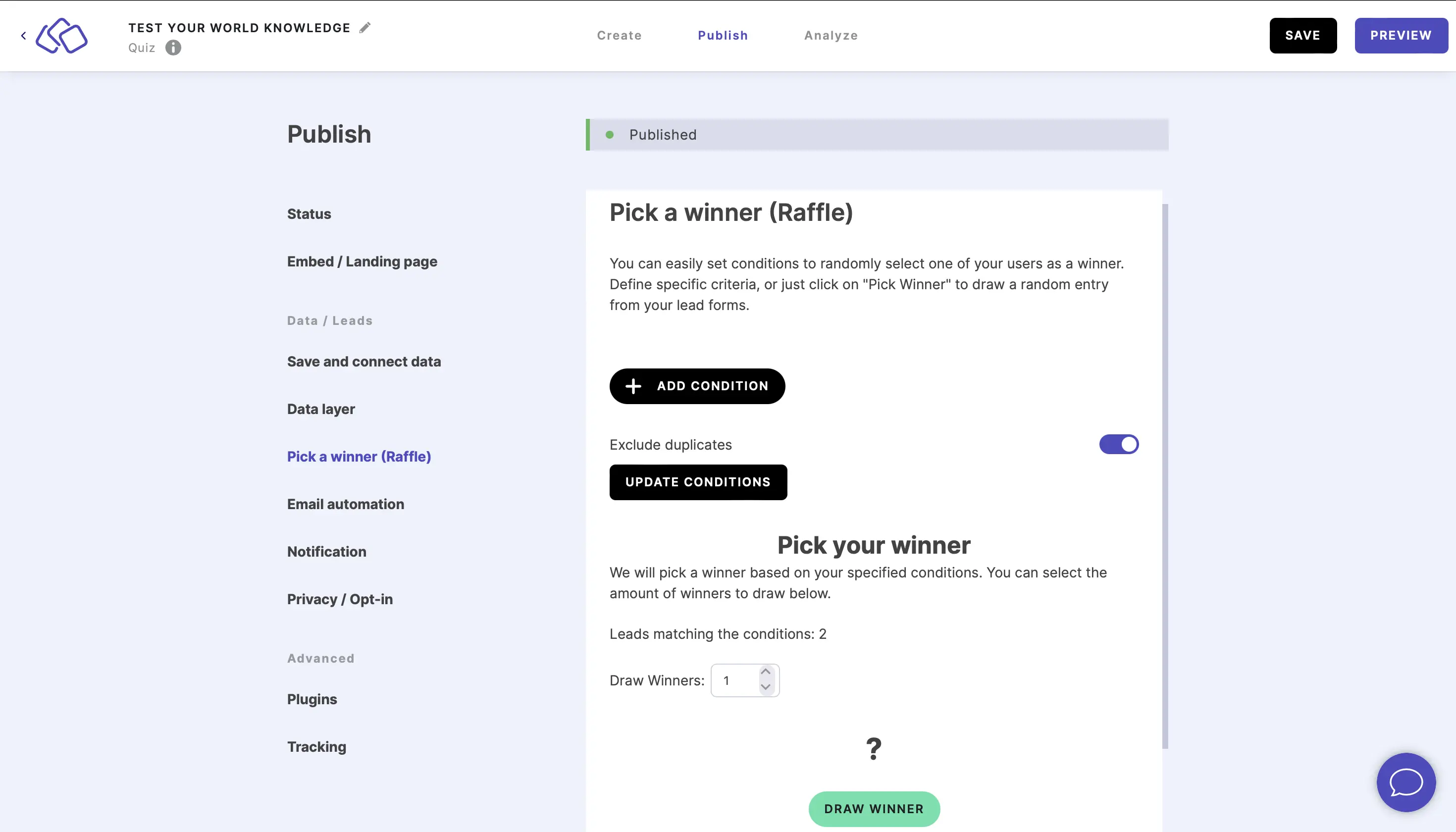
- Click on DRAW WINNER.
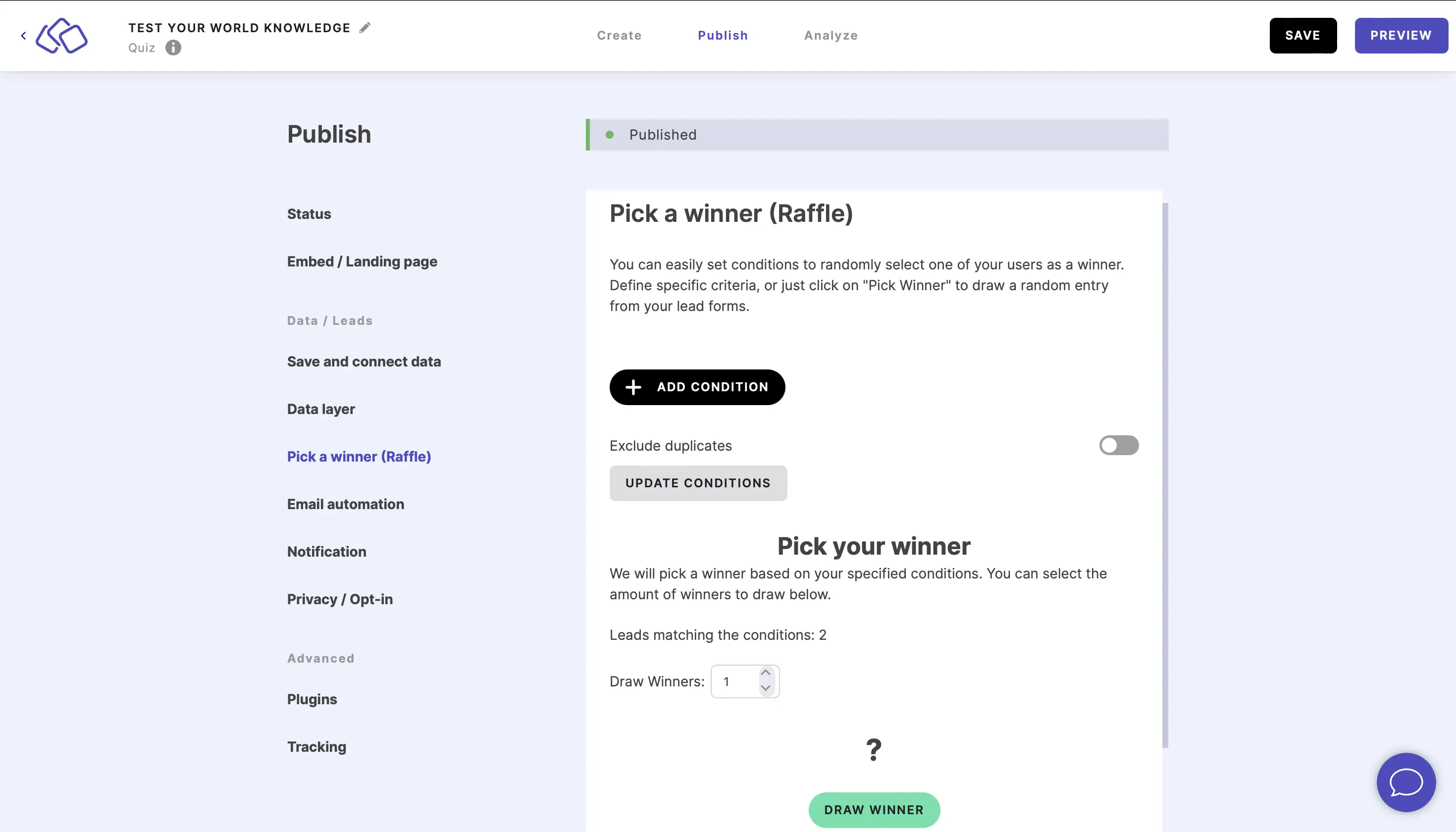
- The random winner's email will appear above DRAW WINNER.
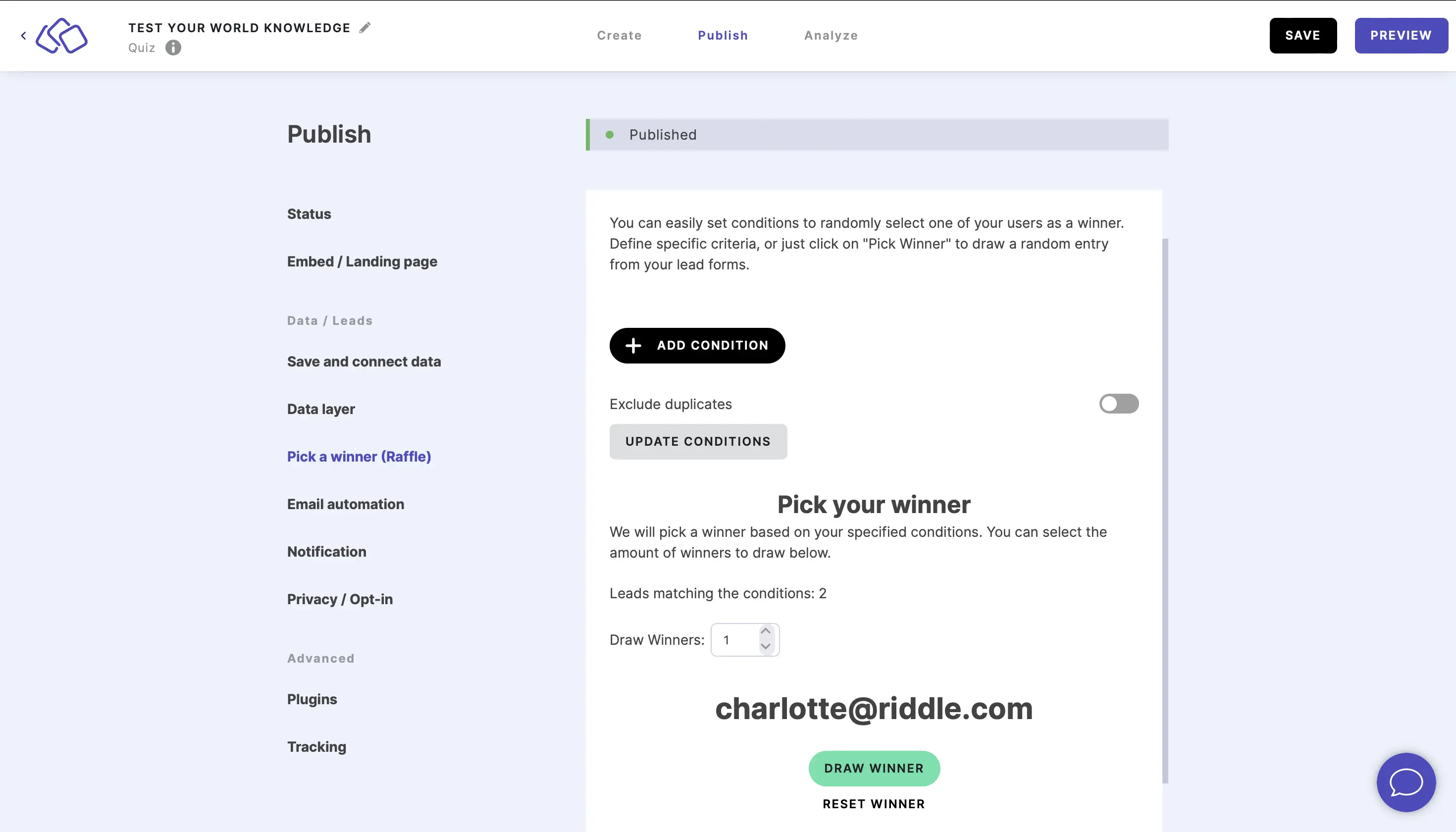
Add conditions for the winner
- Click on ADD CONDITION.
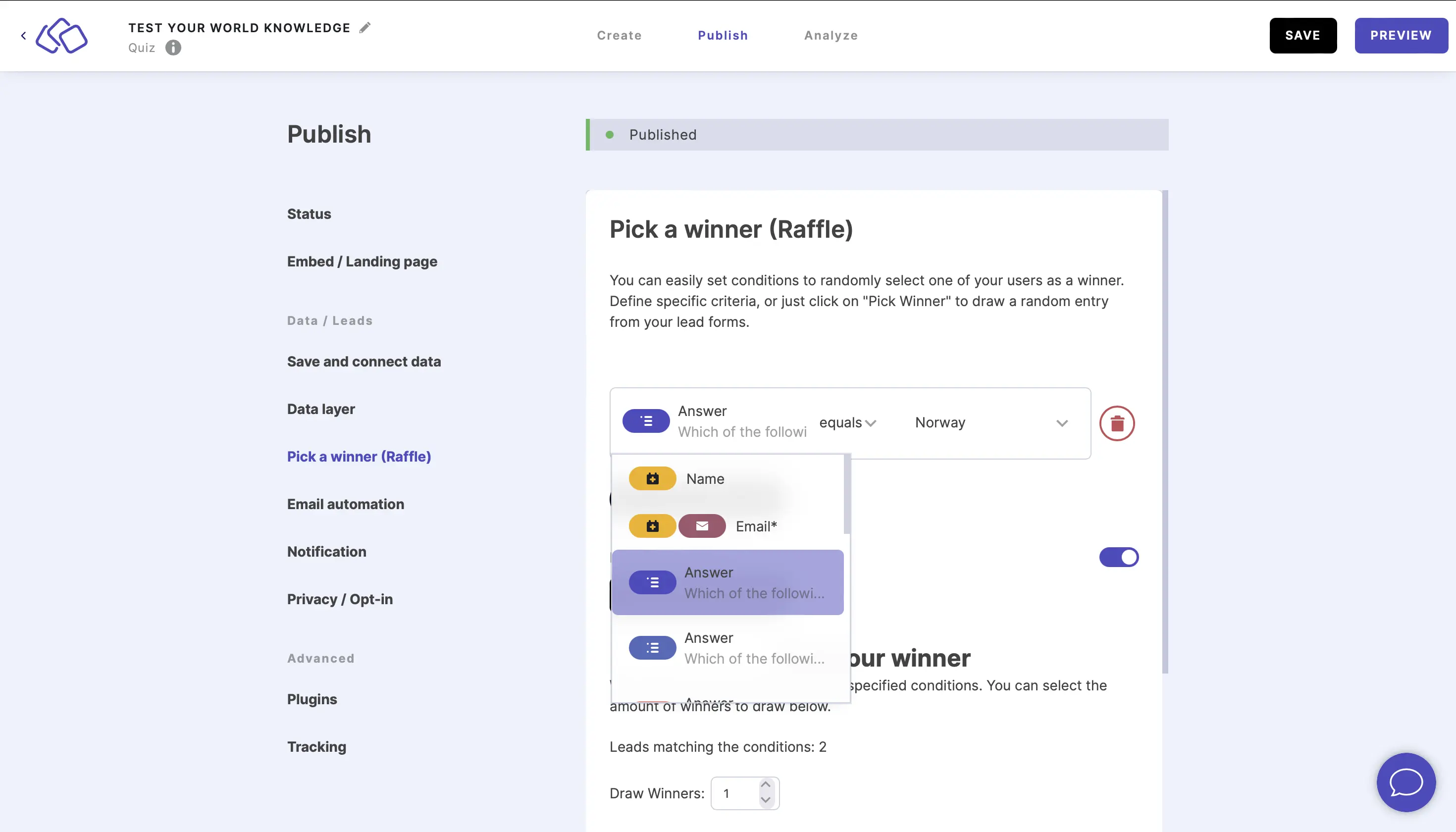
- Select specific criteria for your winner from the dropdown menu.
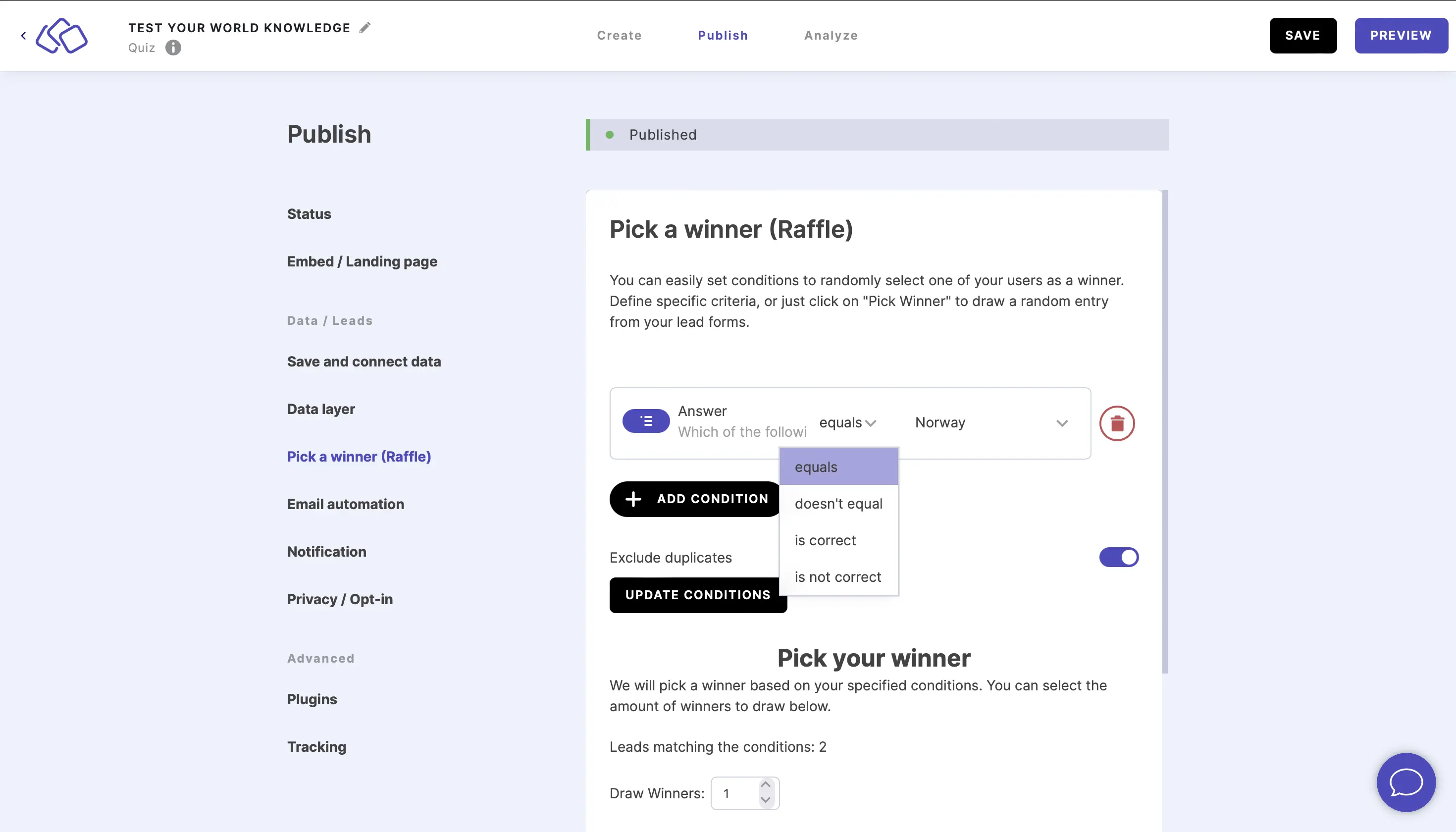
- Select a condition from the middle dropdown menu.
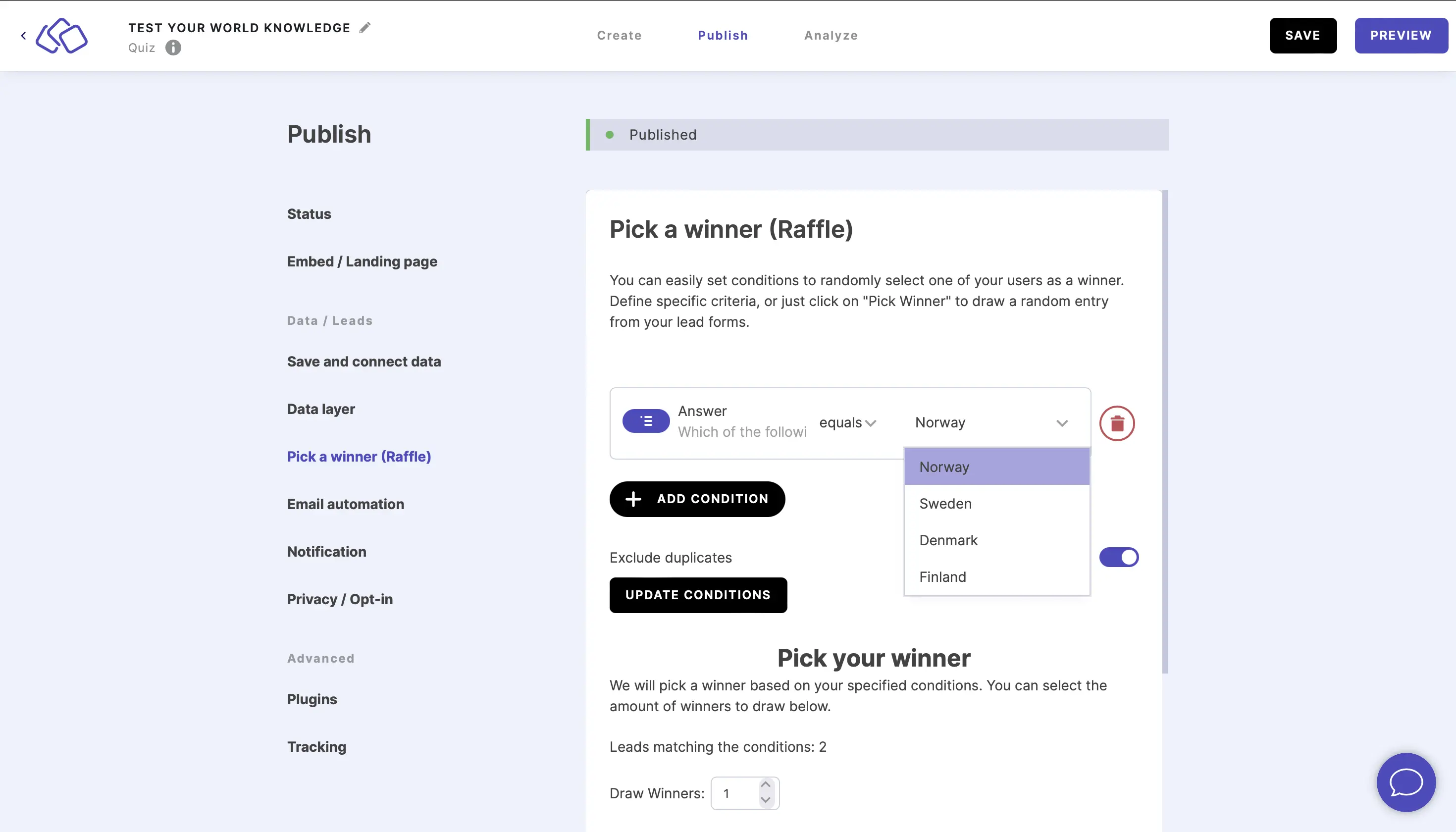
- Select a condition from the third dropdown menu / type text into the field.
- Repeat steps one to four for as many conditions as you like.
- Click on UPDATE CONDITIONS.
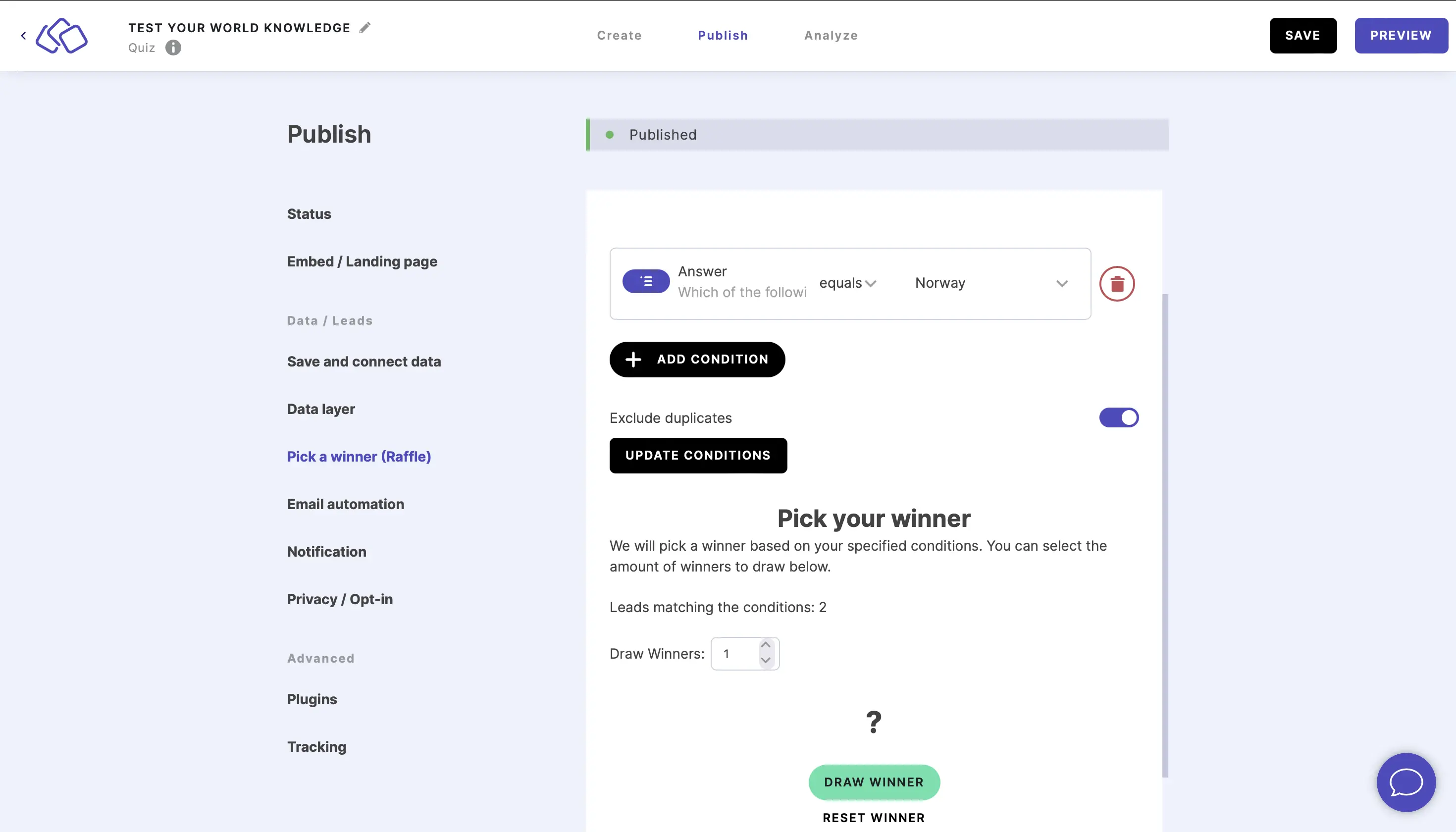
- Click on DRAW WINNER.
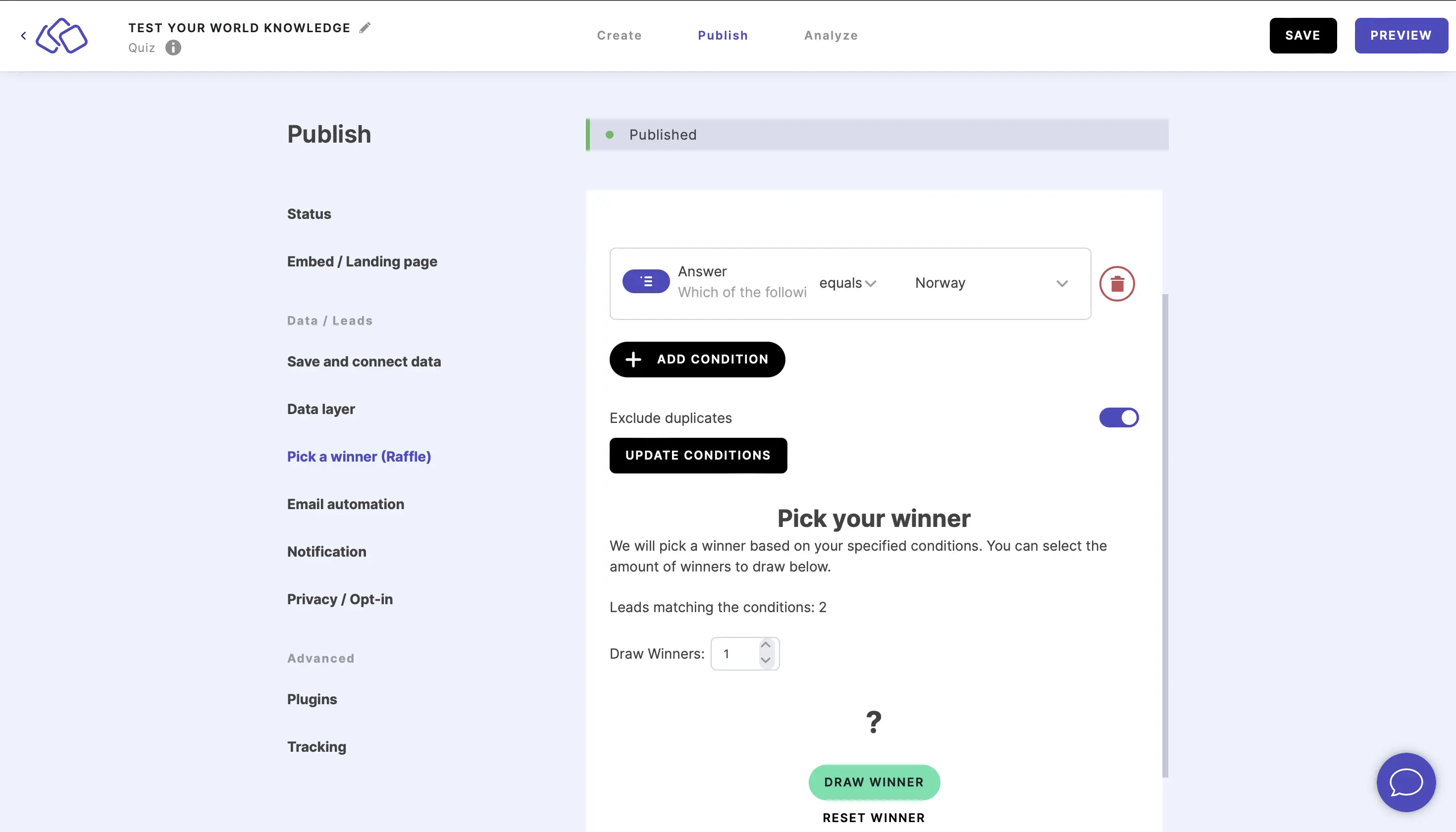
- The random winner's email will appear above DRAW WINNER.
Schedule an automatic draw
Instead of drawing manually, you can have the winner picked automatically at a set time – ideal for fully automated giveaways.
- Set your raffle conditions as above – Exclude duplicates and any conditions the winner should meet.
- Under Pick a winner automatically by date, set the Date and time to pick a winner automatically on.
- Click on CONFIGURE RAFFLE to save.
At that date and time, the winner is drawn automatically from the leads that match your conditions – no need to come back and draw manually. Pair it with the Raffle finished (Winner) and Raffle finished (Losers) events in automated emails to notify everyone the moment the draw happens – a completely hands-off giveaway.
Table of Contents